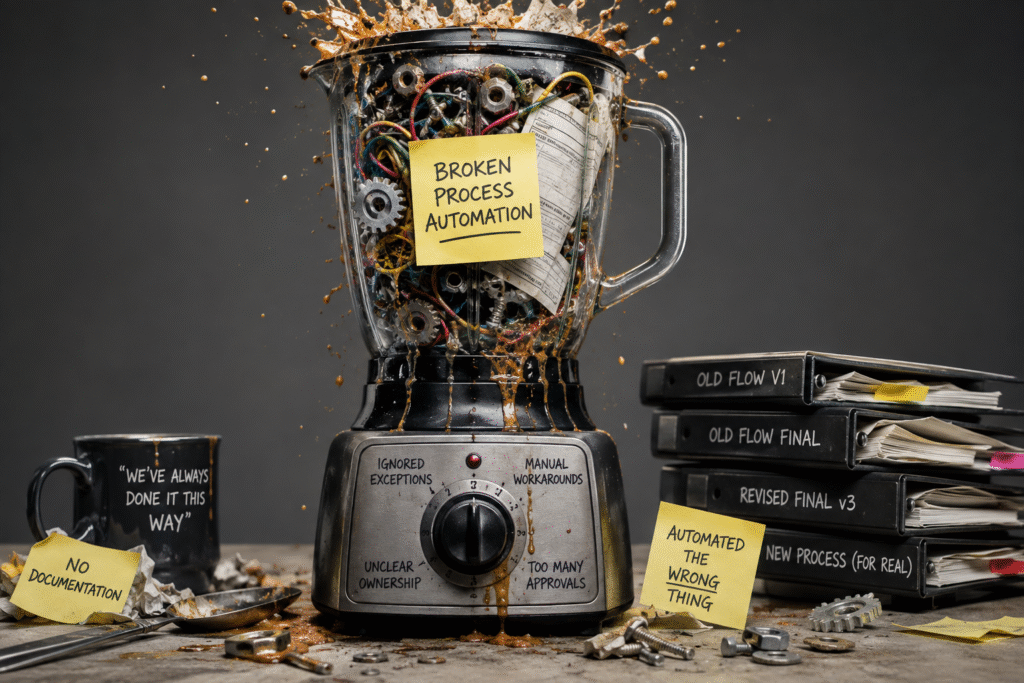
Automated crap is still crap. Step one of automating any CRM process should be to take a step back and analyze it, in our opinion. We often see processes that worked well when our clients employed 10-50 people but fell apart once they scaled to 500 people. And to be clear, these are good problems to have. But problems, nonetheless.
Some common signs that your process could use some improvement:
- It feels extremely complicated. There are 20 different branches it could go down, each with a different outcome.
- Everything is funneled through one employee. Your process has many stages but at the end of the day, this person must review every item. This tends to be the rockstar who has been with the company for 20 years and knows ‘everything’. As a reward, they own all responsibility for the process.
- Even before we get to our rockstar, there’s only one person that can perform each stage. If they’re drinking a margarita on the beach this week, the process stops until they return.
We tend to deal with clients that have ‘our processes didn’t necessarily scale well’ problems because most of our customers come to us during or shortly after periods of large growth. This is generally when the pain of loosely defined processes is greatest, and one of the things we help sort out at Oranova.
So, what makes for a good process?
- A good process can be clearly defined. If nobody can explain the process from beginning to end without saying “well, it depends…” 15 times, it probably needs work before it gets automated.
- Some processes are more complex than others. But when we run into this, it’s always because nobody has put in the effort to simplify and standardize this area. The goal is to simplify as much as possible. Overengineered automations are hard to maintain. Users can’t remember how they work and find workarounds instead.
- A good process has clear ownership. Ideally, we can build out ownership teams or hierarchies for each stage.
- For example, a bid needs manager approval before it can be sent to the client. Let’s build out a team of managers who can perform this task and assign them each a priority. Then, when the time comes, we can send the approval to the first manager in the team. If they’re out of office that week, we can move on to their backup, manager #2 (using out-of-office detection). And yes, this means the one person who is responsible for this now likely needs to train others on how to do this task.
- A good process handles edge cases.
- What if an approver leaves the company? What if the approver is onsite with a client this week? What if the approver doesn’t respond on time? These are the differences between a process that works sometimes and one that can be relied on. Once these scenarios are defined, they’re generally easy to automate.
- A good process has clear, simple documentation.
- Nobody should have to guess how it works. In the era of AI, this step has never been simpler. You can just talk to your AI, and it will output clear documentation for you. We’ve used this a lot! AI is great for documenting how the process works, and how the process has been automated from a technical perspective.
We can almost certainly build a reliable, scalable automation if the above bullet points are achieved. We can even build some flexibility into the automation to handle things like employees coming or going, timeouts, escalations, out-of-office detection, and more.
The actual automation of processes is becoming easier as time goes on. AI tools take a lot of work off of the developer. Getting the business to clean up the process and agree on what a successful process looks like remains the biggest challenge. This responsibility falls on both us and our clients. We can guide good architecture and let our clients make the final decisions. At the end of the day, they are the experts on the work that they do.